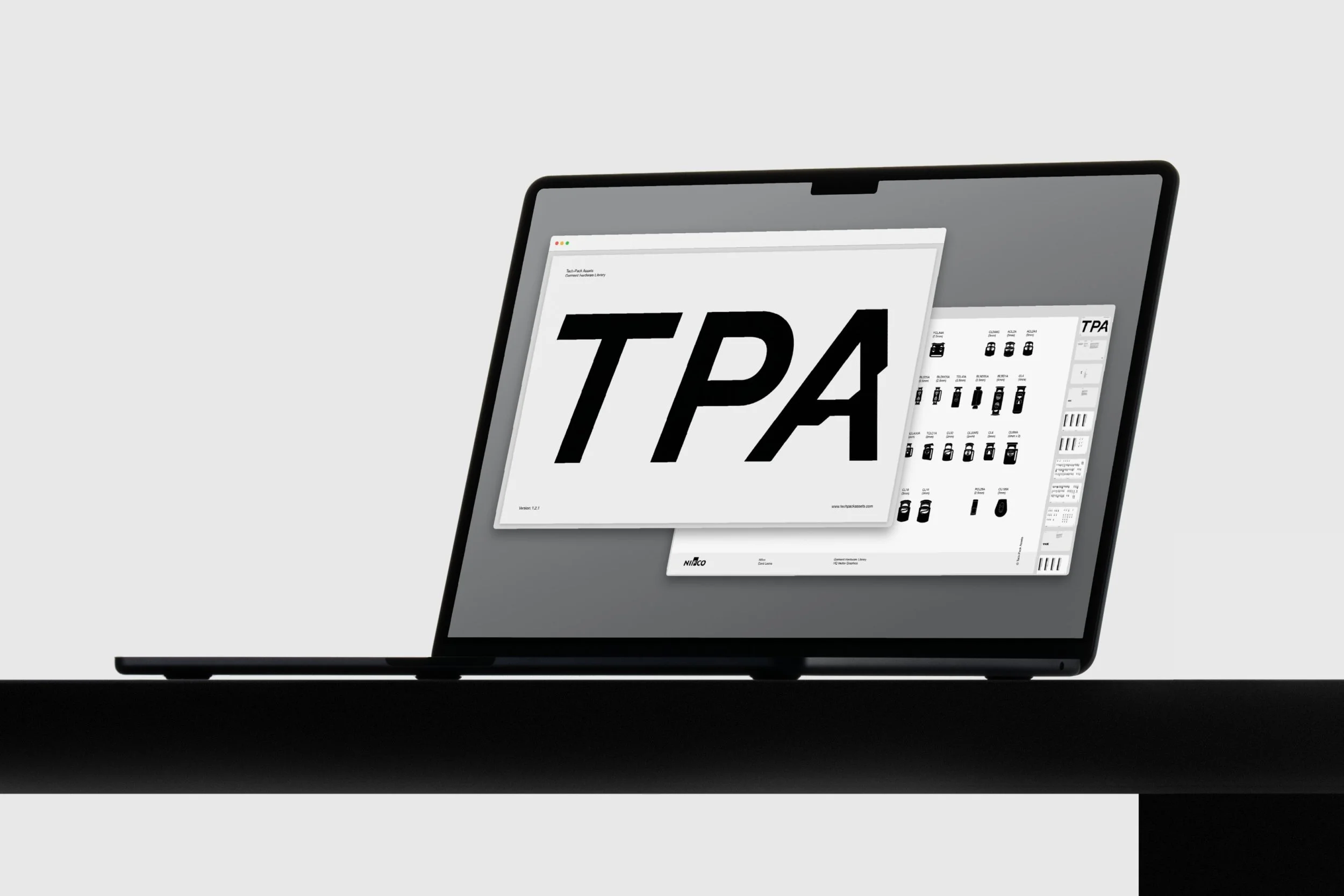
The component system for sportswear designers
Drop production-ready trims into your tech packs to save time and communicate your ideas with clarity.
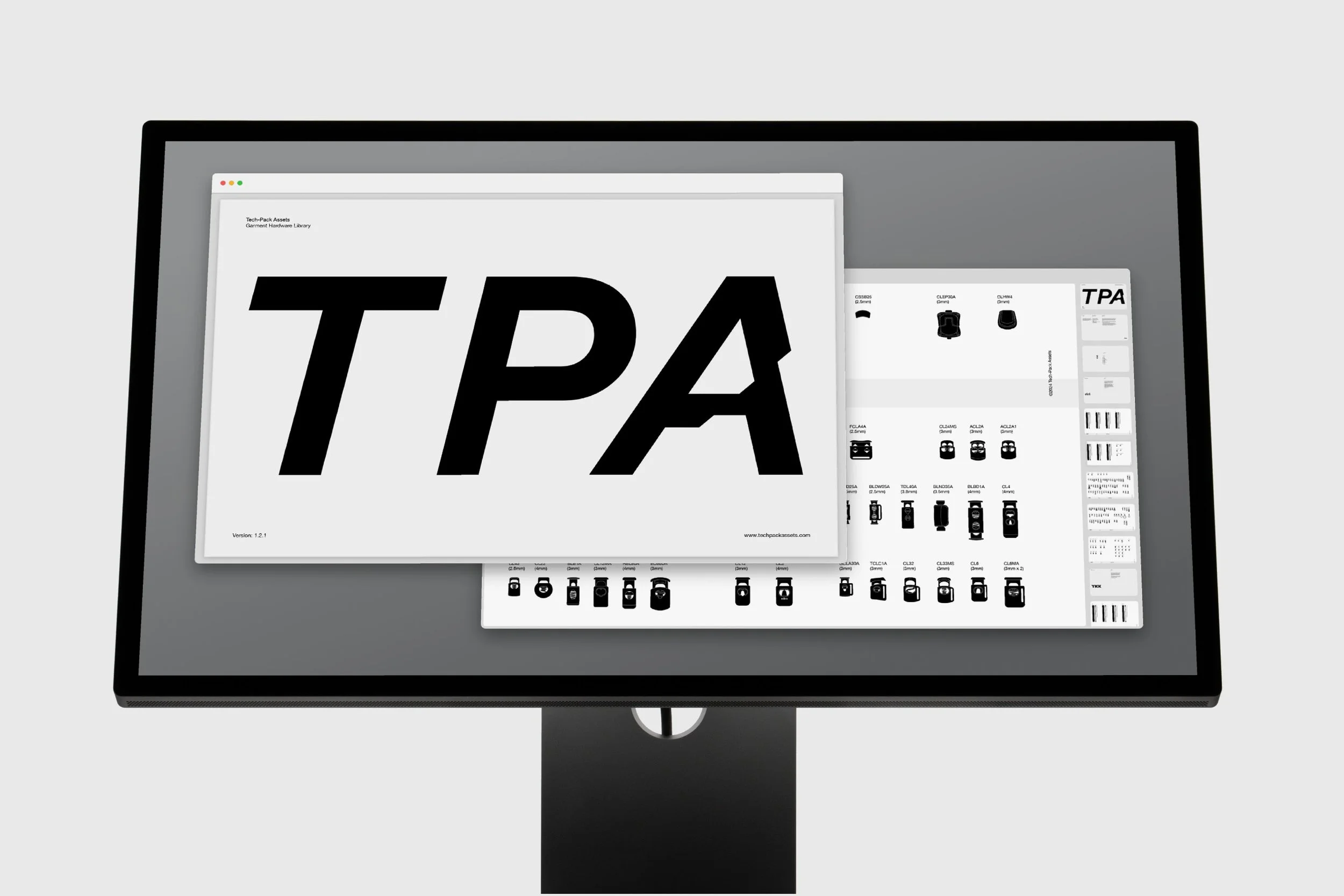


Technical garments,
outdated workflows.
Sportswear is a multi-billion-dollar industry, but the tools and resources behind it haven’t kept pace.
Tech packs are still created though repetitive manual work, with little infrastructure supporting the process. As a result, hours are lost each week, and attention gets pulled away from the details that matter.
Most of the friction comes
from three recurring problems.
01
Manual Illustration
Designers spend hours each week drawing trims from scratch, or relying on inconsistent reference images.
02
Fragmented Sourcing
Component information is scattered across supplier catalogues, outdated websites, and last seasons files.
03
Unclear Communication
When trims are difficult to identify, garment details become less precise and more open to interpretation.
TPA gives designers one organised system for browsing, referencing, and placing trims directly into their tech packs.
Trusted by leading
sportswear brands
“TPA sets a new standard in the sportswear industry. The detailed and organised range of components has improved my workflow, and shows how trims can make or break a design.”
– Gaeez Sothy
Design Consultant

“Tech-Pack Assets is an exceptionally well-executed product. It quickly turned into my design tool of choice. Chapeaux!”
– Alessandro Rupilli
Menswear Designer

“TPA is a tool I use every day. I keep the Master Document open and just pick and drop trims into my designs. It saves me time and improves the precision of my work. It makes a big difference.”

– Arthur Lombardo
Design Consultant
On average, designers save
5.2 hours per week using TPA.
Browse components in
one organised system
Access a complete overview of available trims and go beyond your usual references to make well-informed creative decisions.
[ Visibility ]
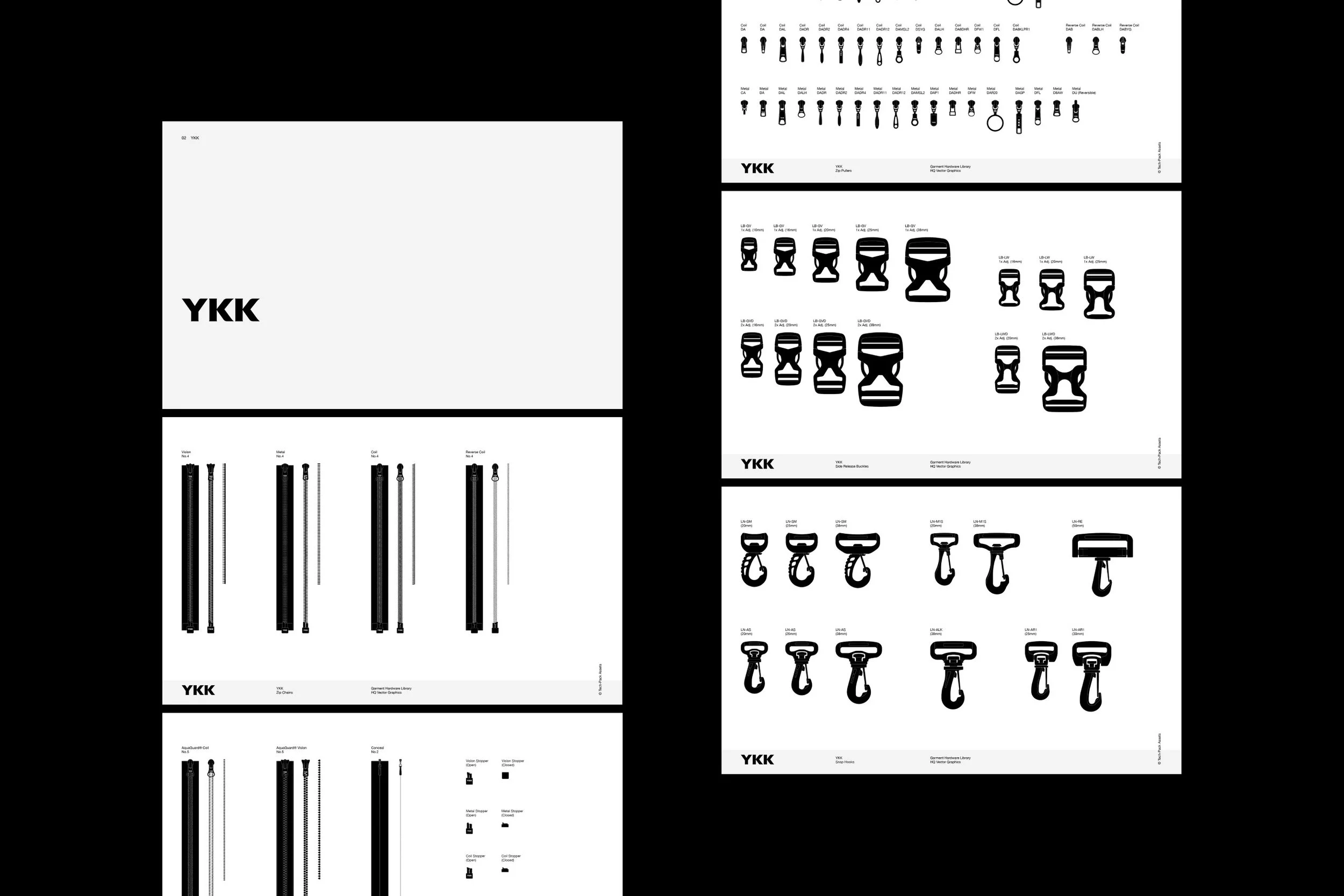
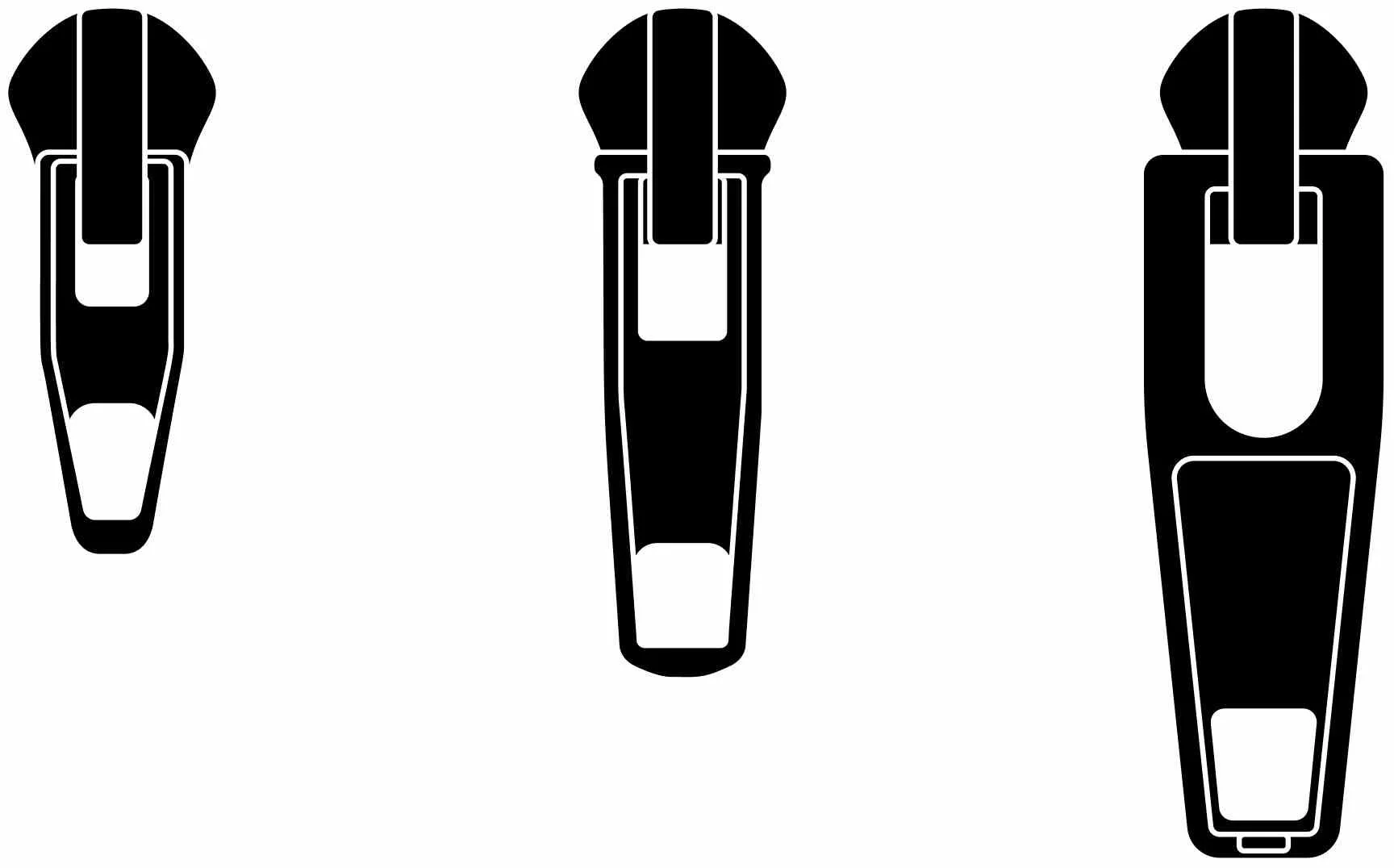
Drop production-ready vectors into your designs
Place pre-built components into your tech packs to reduce repetitive tasks and spend more time on the work you do best.
[ Speed ]
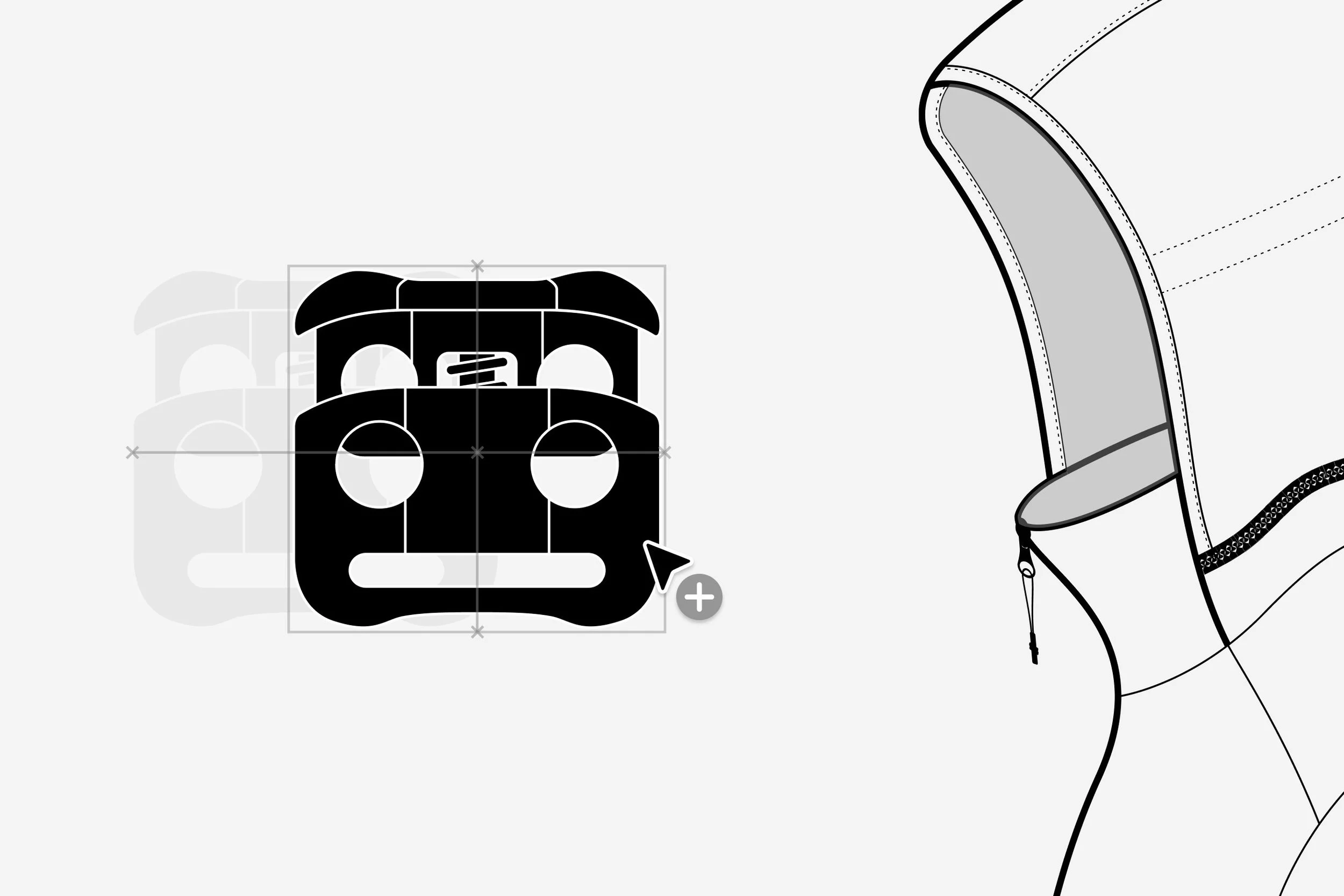
Build clear tech packs
with real-world references
Replace vague descriptions and screenshots with accurate component vectors manufacturers understand.
[ Precision ]
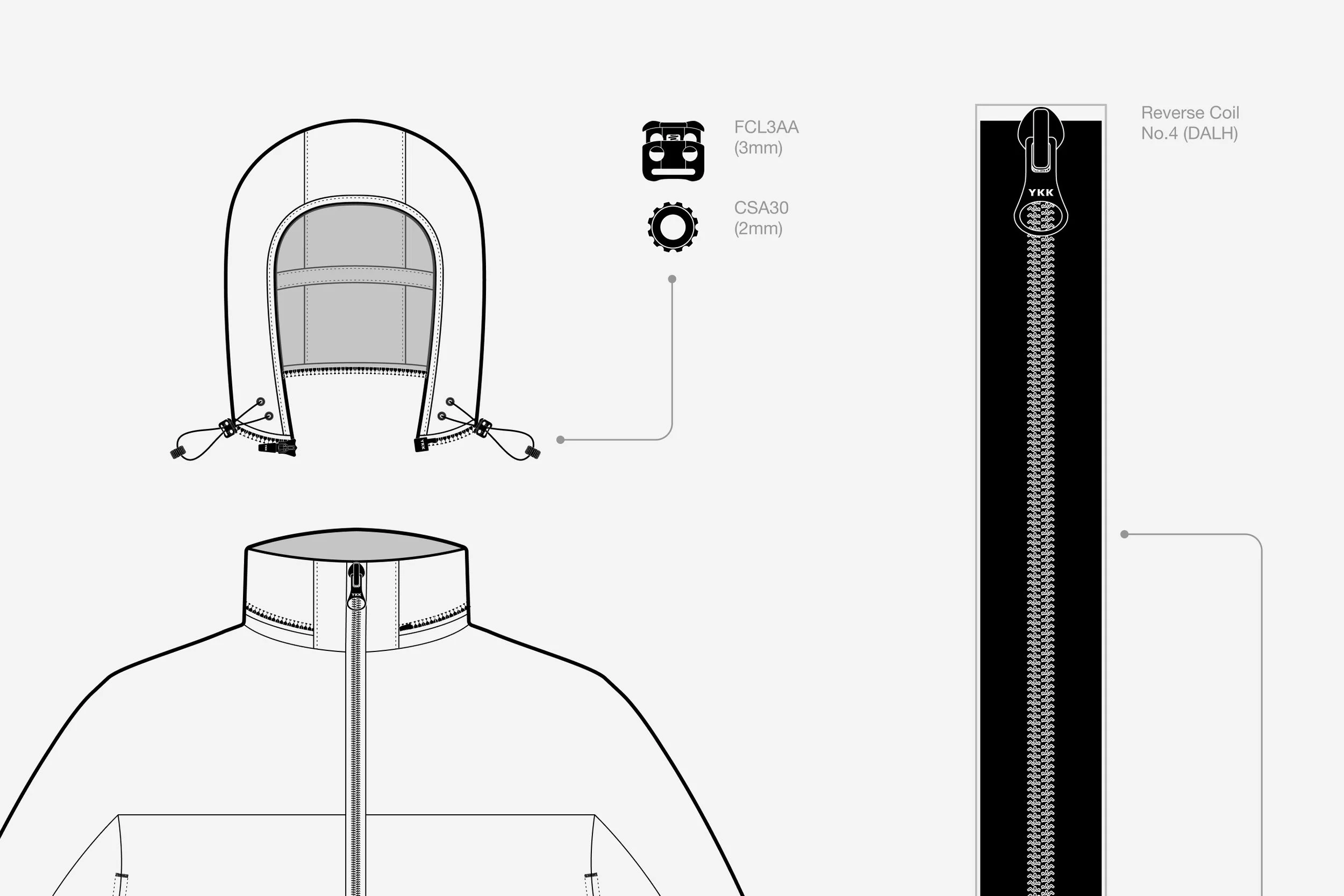
Real-World Coverage
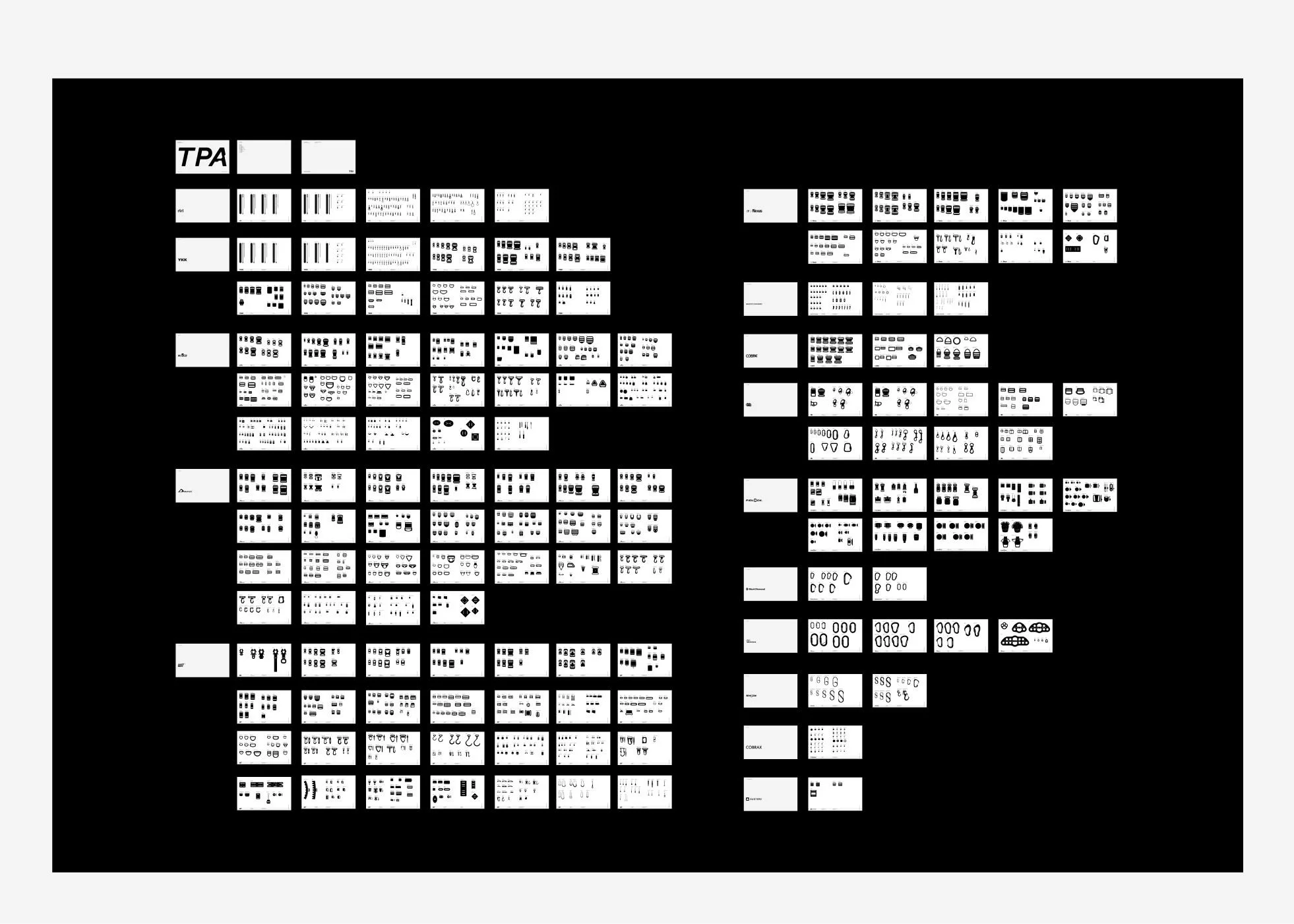
TPA includes +2200 components from +15 named suppliers, giving designers an almost inexhaustible range of trims to choose from.
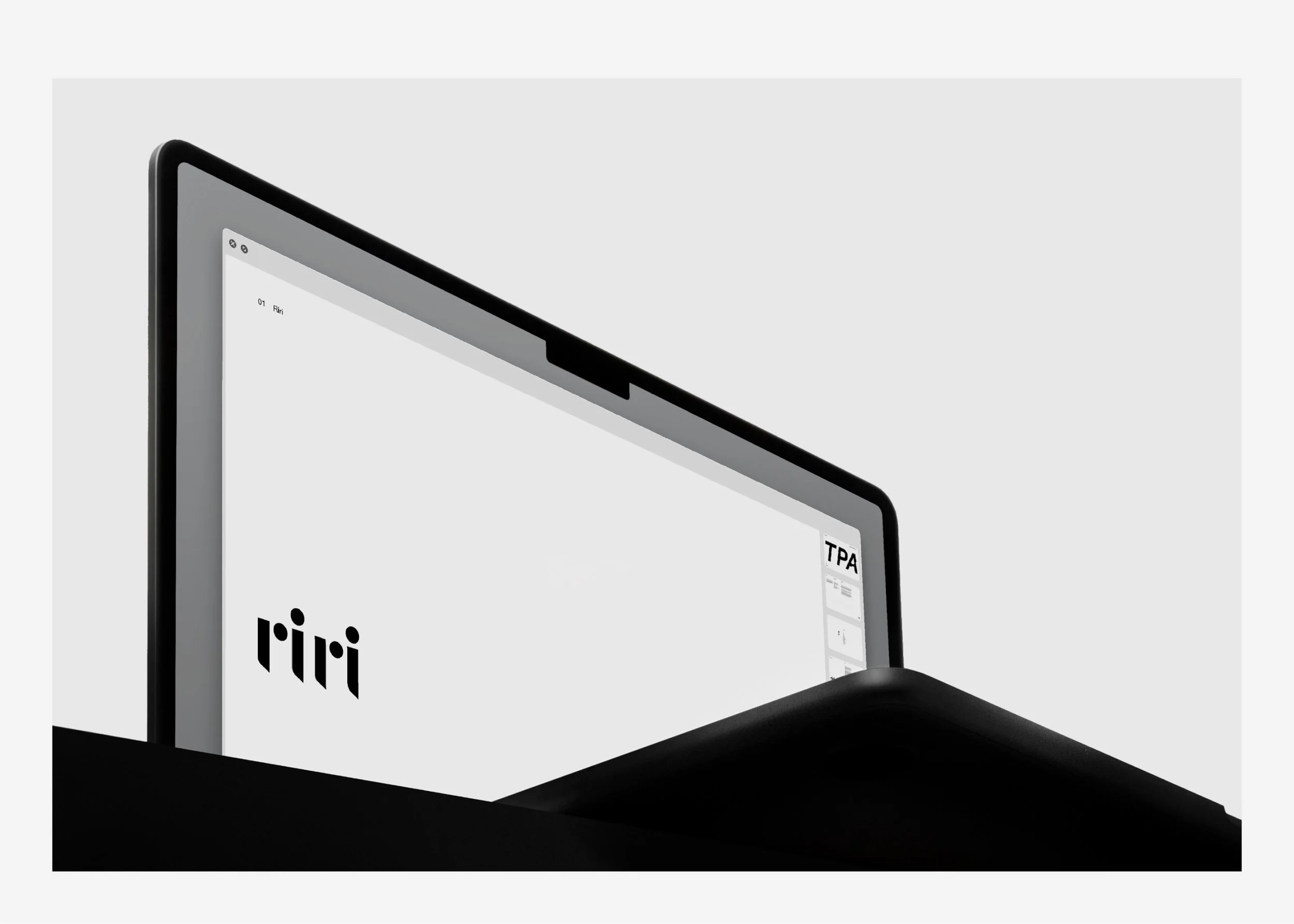
Intuitive Overview
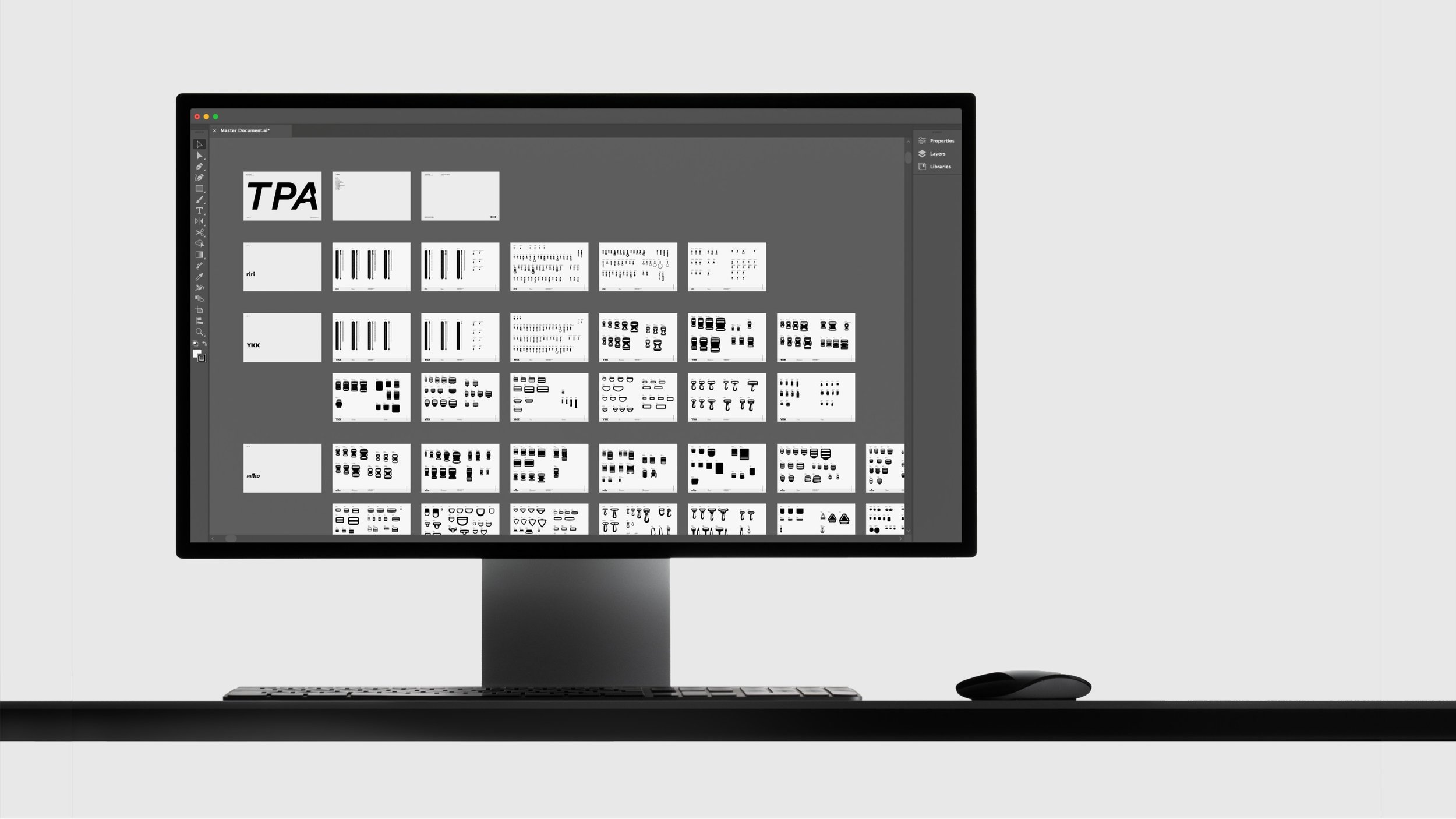
The 150+ page Adobe Illustrator document functions as both a browsable catalogue and a working asset source.
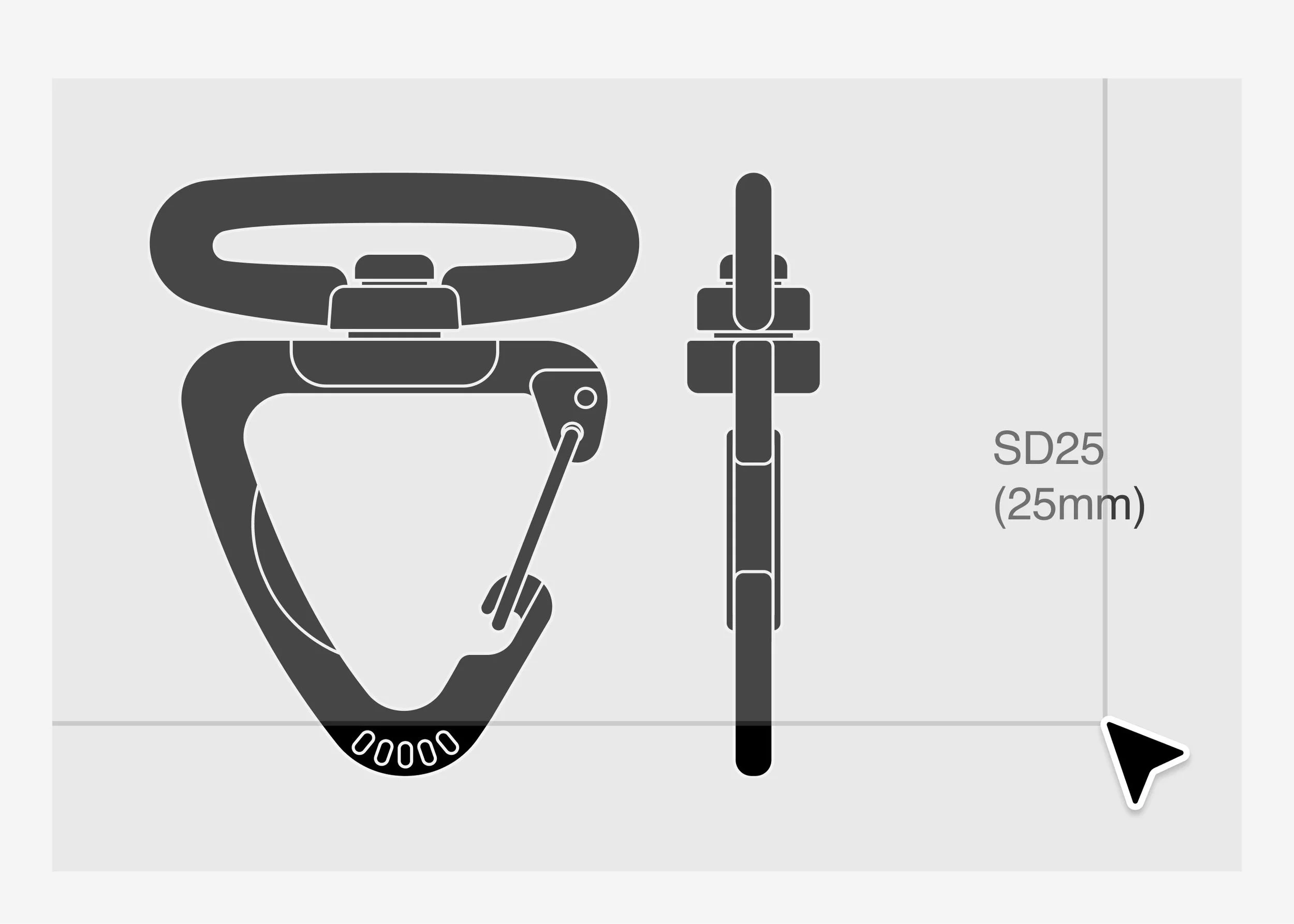
Accurate Product Codes
Each trim is paired with a product code, helping designers communicate hardware choices more clearly.
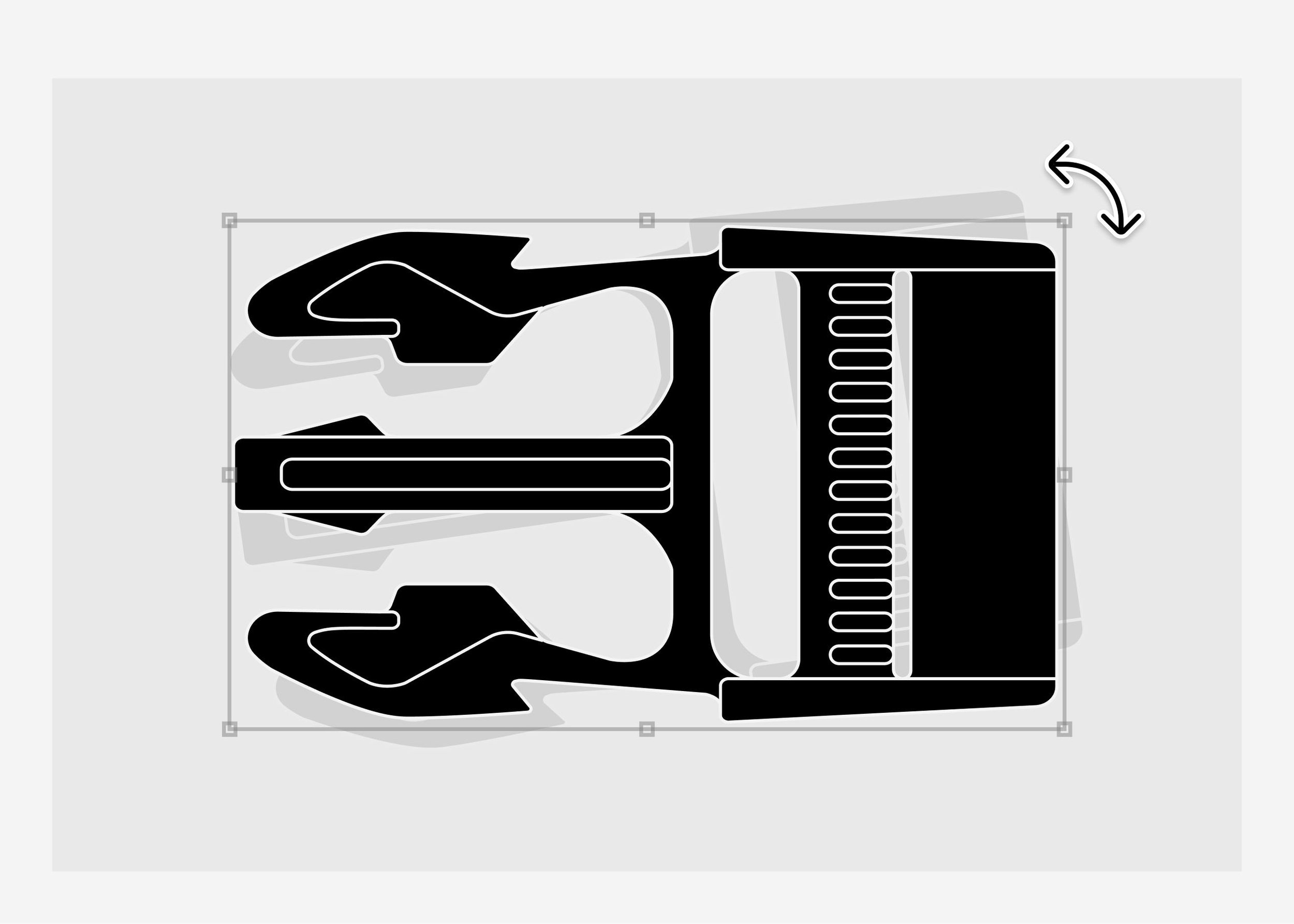
Production-Ready Vectors
Design with high-quality components, free from messy grouping, excess anchor points, and clipping masks.
“The interface is intuitive and user-friendly, making it easy to use for both beginners and experienced designers. With a wide range of customisable assets, we can create professional-quality designs with minimal hassle.”
– Che Shariff
Production Consultant
Essential vectors, organised
into one working system.
A +150 page Illustrator document containing all components, organised by supplier and hardware category.
Master Document
(AI, PDF)
[ Product ]
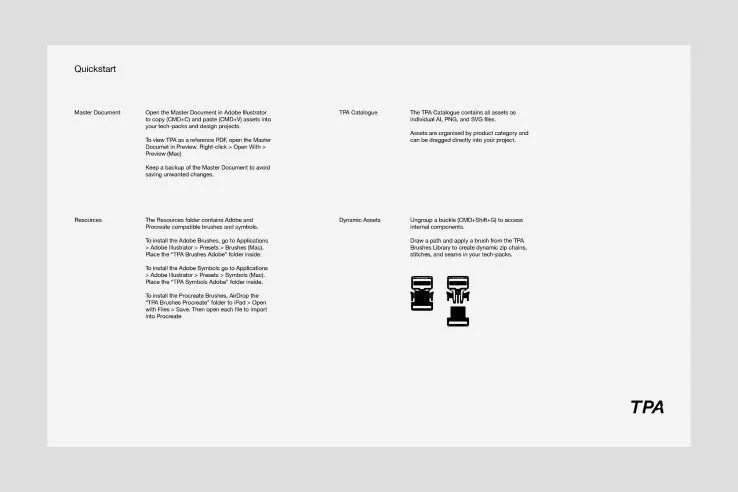
Quickstart Guide
(PDF)
A step-by-step guide outlining file structure and usage within existing workflows.
[ Product ]
A structured asset library organised into clear folders for browsing and quick access. All components are available as Adobe Illustrator Symbols for flexible workflows.
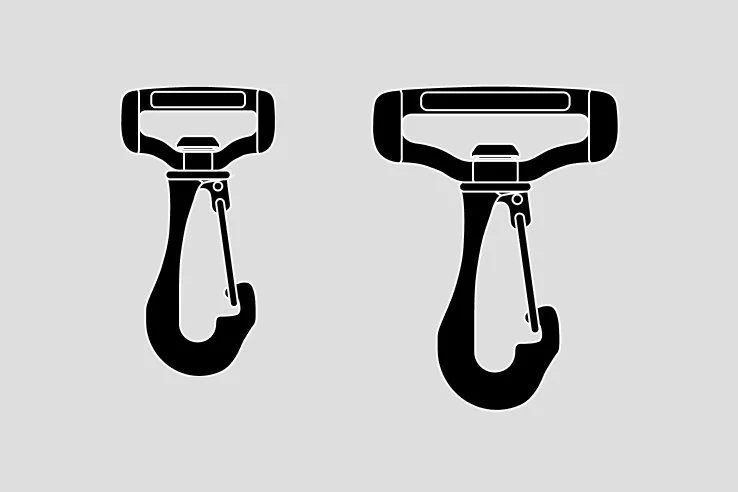
TPA Catalogue
(AI, SVG, PNG)
[ Product ]
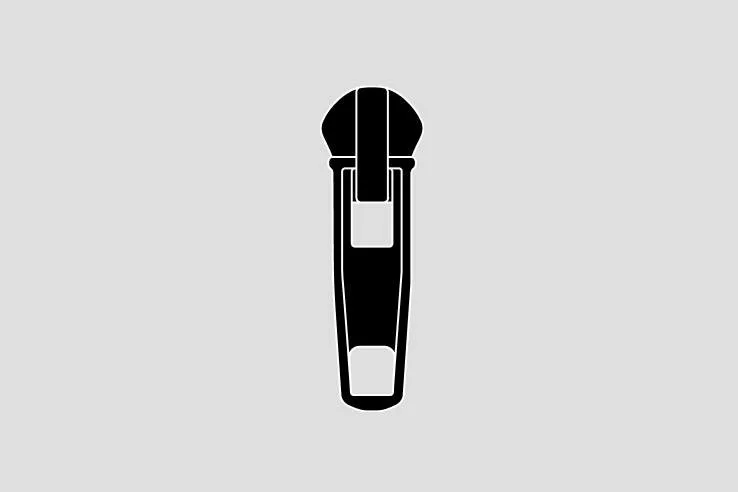
TPA Symbols Adobe
Adobe Symbols
All components are available as Adobe Illustrator Symbols for flexible workflows.
[ Product ]
+50 Illustrator brushes, including zips, stitches, and seams for detailed tech-pack work.
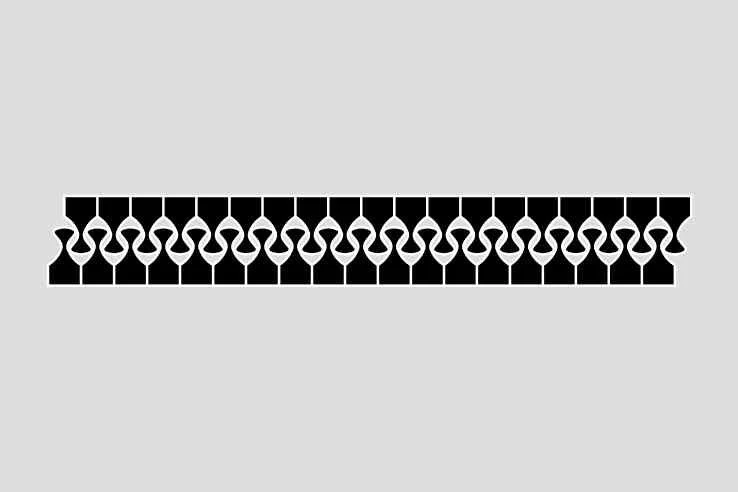
TPA Brushes Adobe
Adobe Brushes
[ Product ]
+10 calibrated brushes, including YKK and Riri zip chains for drafting designs in Procreate.
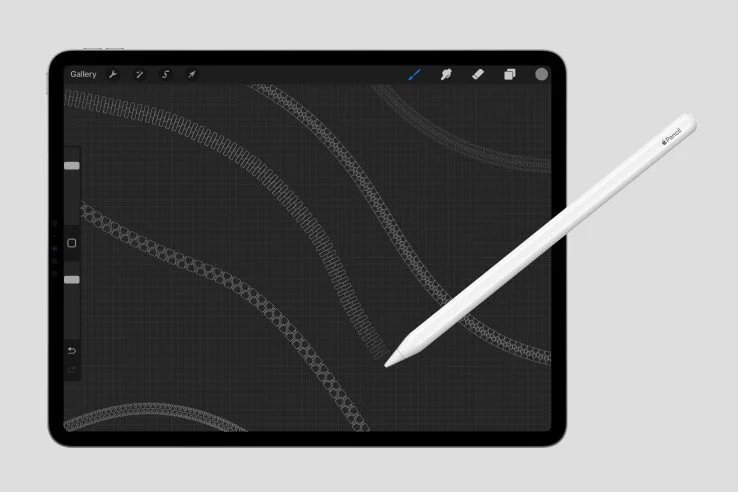
TPA Brushes Procreate
Procreate Brushes
[ Product ]
[ Vector Graphics ]
+2200
[ Featured Suppliers ]
15
[ Component Types ]
31
[ Master Document ]
1
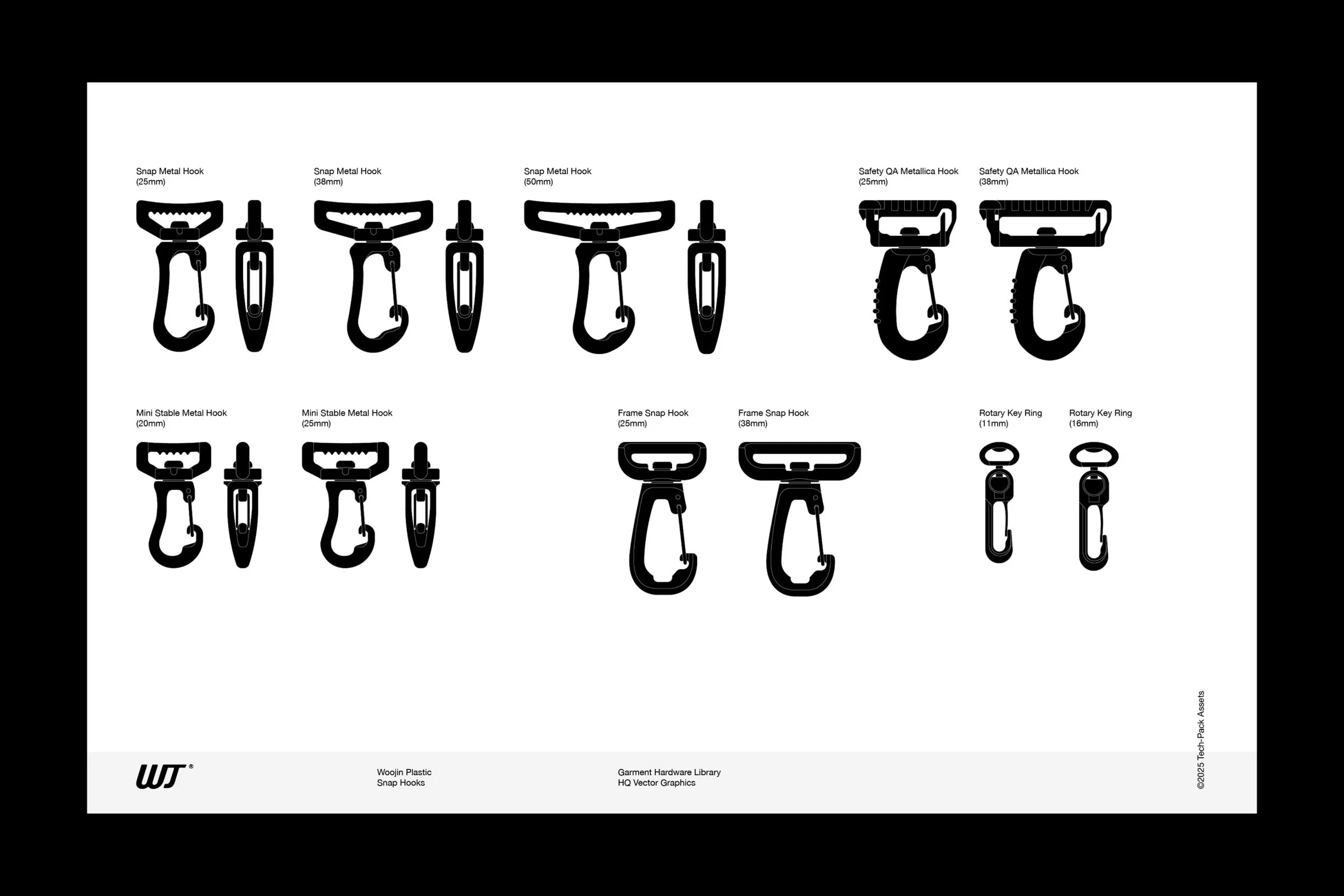
Buy Once, Keep Forever
TPA is a permanent resource you can store on your computer and return to whenever you need to find hardware for your tech packs.
Get Started in Minutes
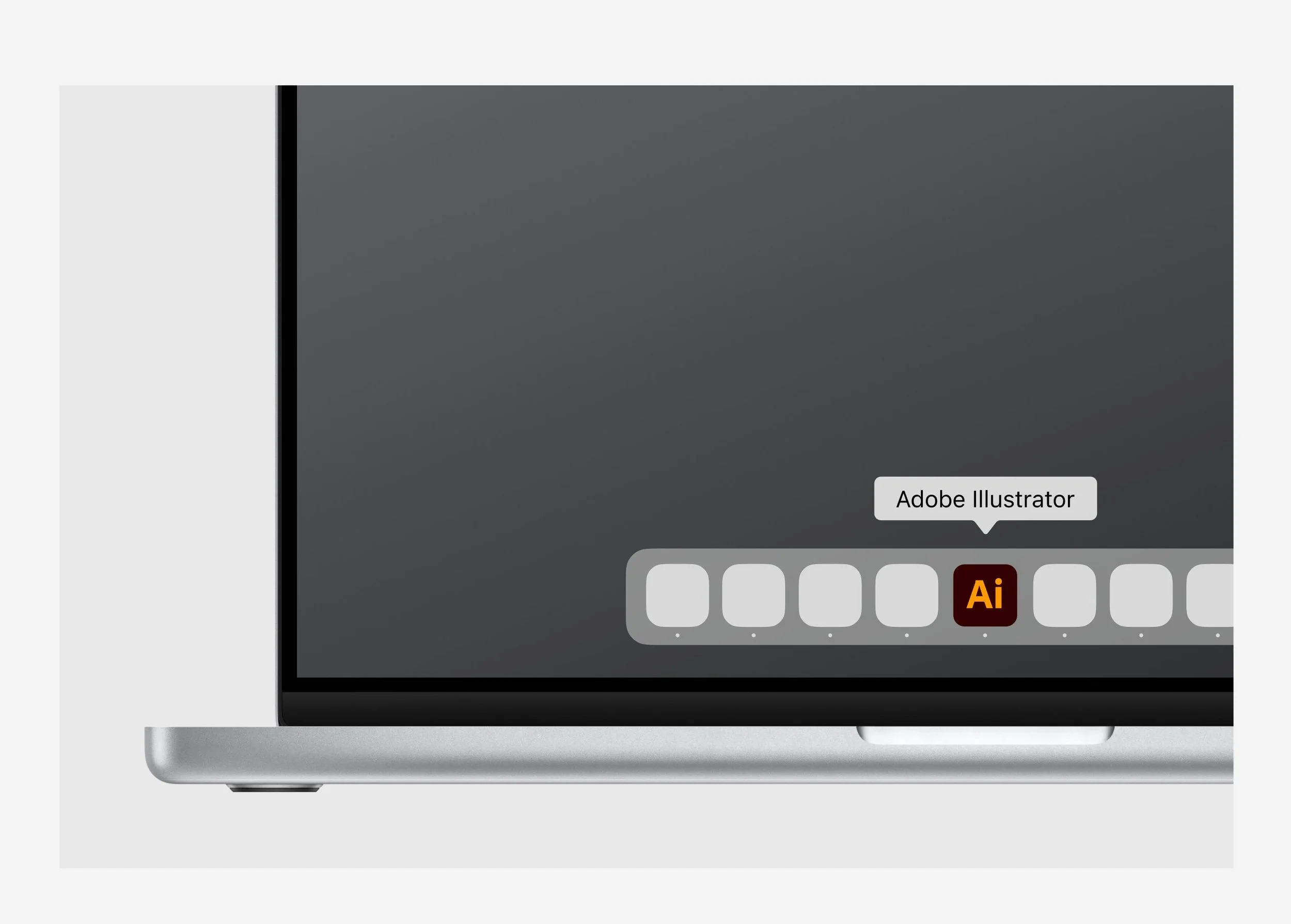
It works inside Adobe Illustrator, so designers can start using the library without learning new software or changing the way they work.
“By embedding accurate visual components directly into our CADs and cross-checking them against the bill of materials, TPA helps us reduce ambiguity and eliminate errors before they reach production.”
– Simon Oates
Head of Apparel

Bring production-ready trims into your next tech pack.